Stream Training Videos on Your TV
0108_01

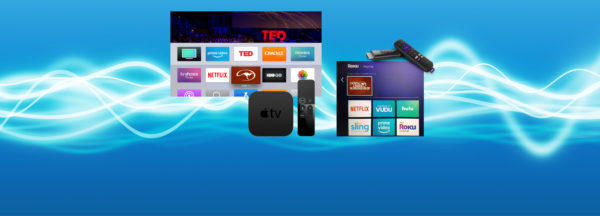
Stream the Method on Apple TV, Android TV, and Amazon Fire! Now you can view all of Clinton’s video content on your TV by simply adding the Downunder Horsemanship streaming app to your device. You’ll use the same login information you use for the Downunder Horsemanship app and the No Worries Club website to access your content.

From No Worries Club videos to training kits, you’ll be able to use your remote to play, rewind, fast forward and stop training content from the comfort of your couch.

How to Add the Downunder Horsemanship Channel to Your Account

To add the Downunder Horsemanship channel to your account if you’re using Apple TV, Android TV or Amazon Fire, perform a search for “Downunder Horsemanship.” When the channel appears, click on it to add it to your lineup.


More News

Back to all news

See All
1025_05

7 years ago

Promote Our 2019 Tours, Earn Big Rewards

Are you looking forward to Clinton being in your area in 2019? Put your passion for Downunder Horsemanship to work…

Read More
0514_04

7 years ago

Relive the Williamston Walkabout Tour

Catch a look at the fun and instruction that took place at our second tour stop of the year in…

Read More

14 years ago

We’ve Partnered with the NRHA

We’re excited to announce that Downunder Horsemanship has become a corporate partner of the National Reining Horse Association. NRHA is…

Read More
0810_Tip

5 years ago

Training Tip: Is Your Horse Making an Honest Mistake or Not Trying?

Determining whether a horse is making an honest mistake or not putting any effort into doing what you’re asking of…

Read More